One button
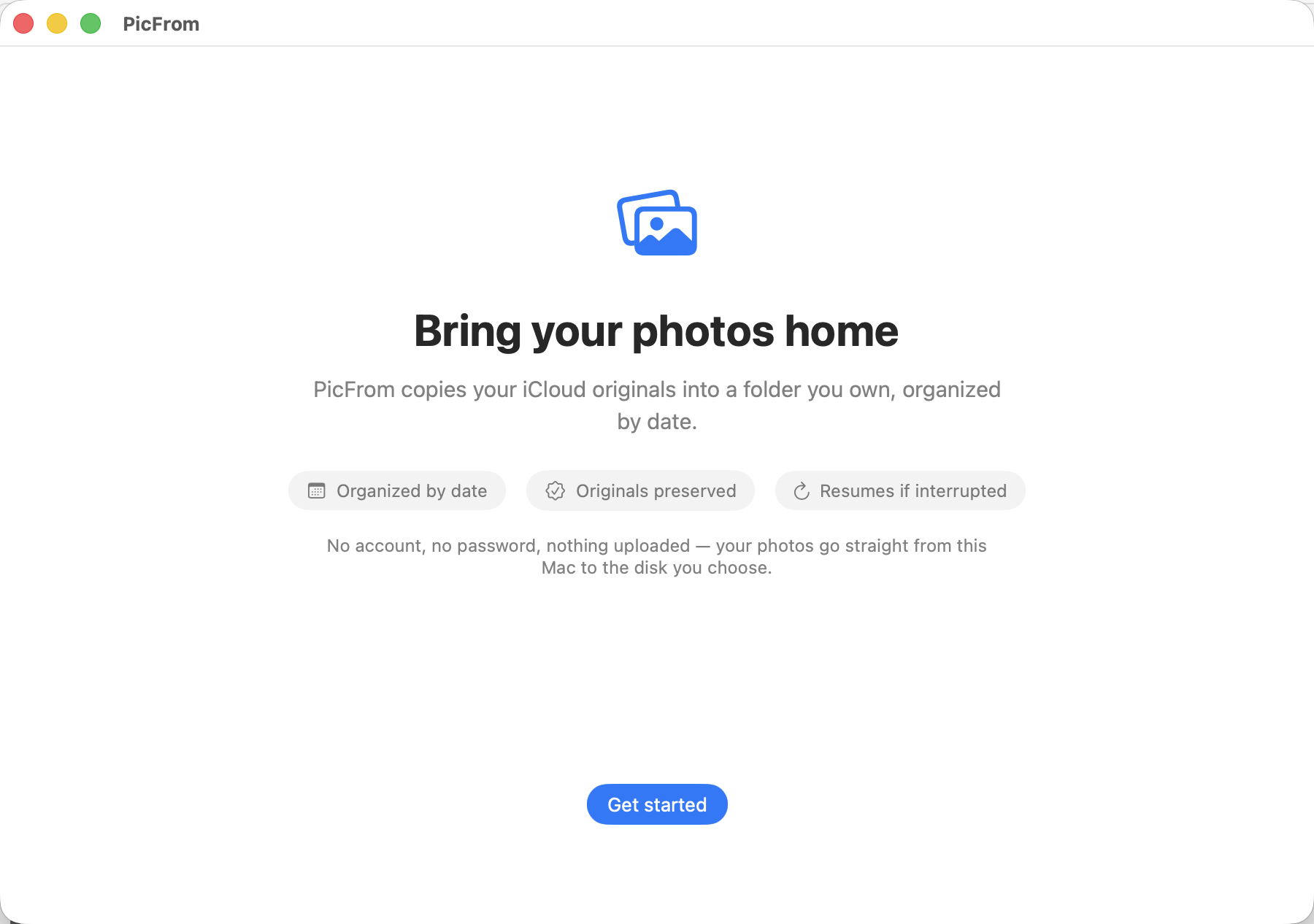
No accounts. No Apple ID. No password.
Point PicFrom at any local or external drive, press Sync, and leave. It reads your library the same way Apple's own Photos app does, using the iCloud session already on your Mac. Files land in a clean Year / Year-Month / Year-Month-Day tree of real files you can open anywhere.
Archive/
└─ 2024/
   └─ 2024-08/
      └─ 2024-08-11/
         ├─ 20240811_142233_IMG_4821.HEIC
         ├─ 20240811_142233_IMG_4821.MOV
         └─ 20240811_153901_IMG_4823.HEIC
While it runs
You can see exactly what happened.
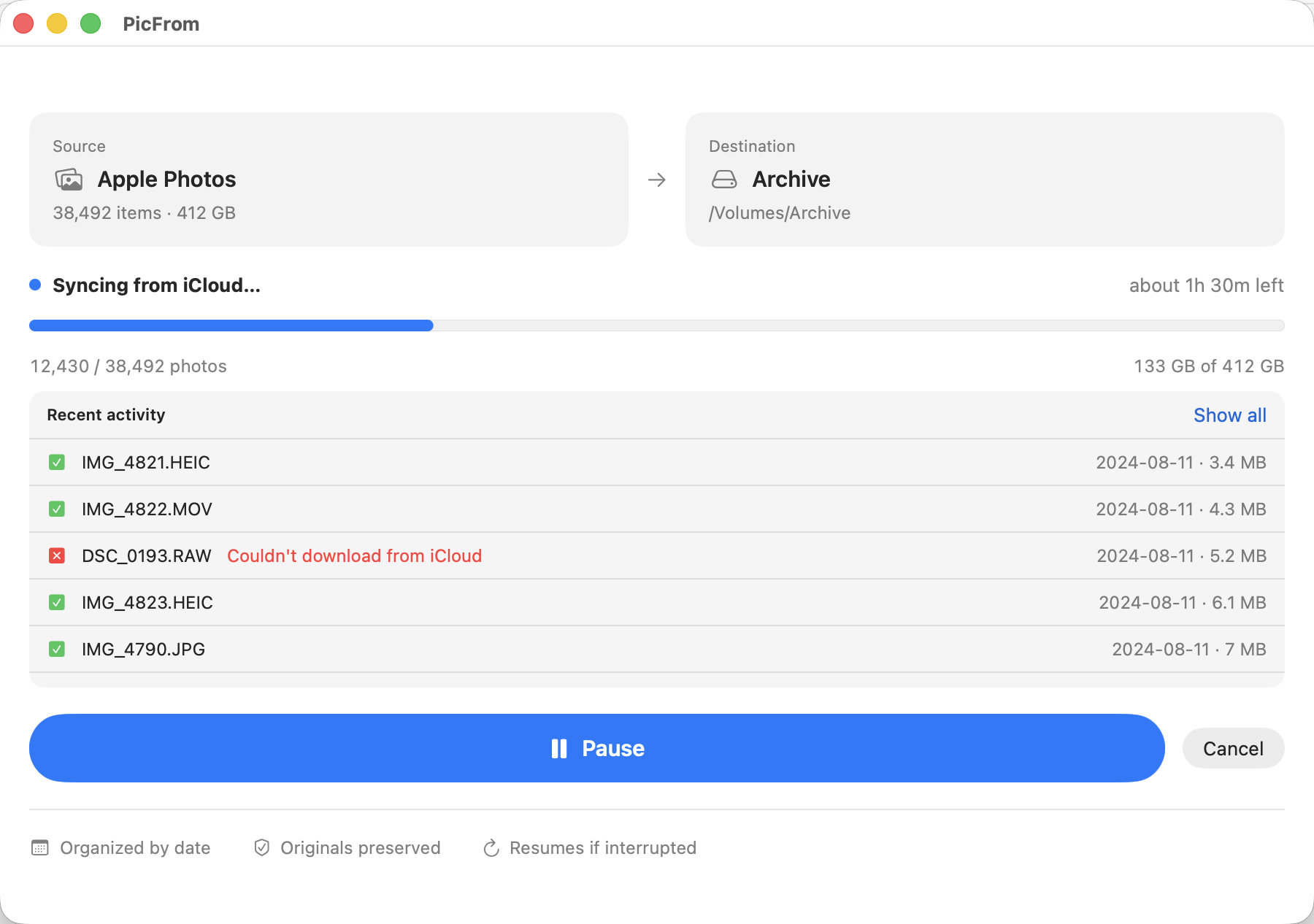
Live progress, time remaining, and a running log of every file written. When iCloud refuses to hand one over, PicFrom marks it, keeps going, and tries it again on the next run instead of stopping the whole job.
When it finishes
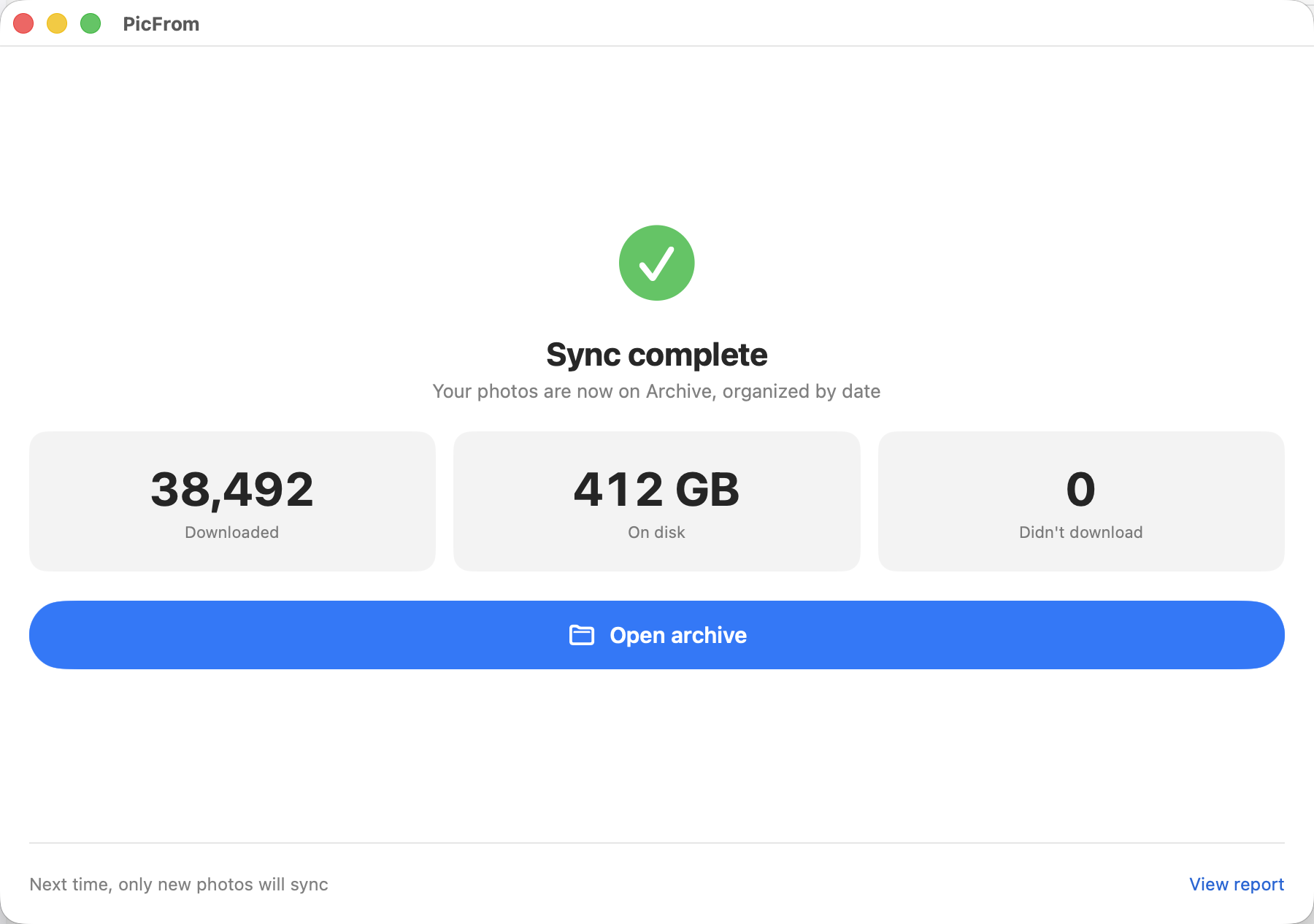
Done once. After that, only the new ones.
PicFrom keeps a small ledger next to your archive, so a run over hundreds of gigabytes that gets interrupted by sleep, an unplugged drive, or a dropped connection simply continues. Take a few more photos, run it again, and only those download.